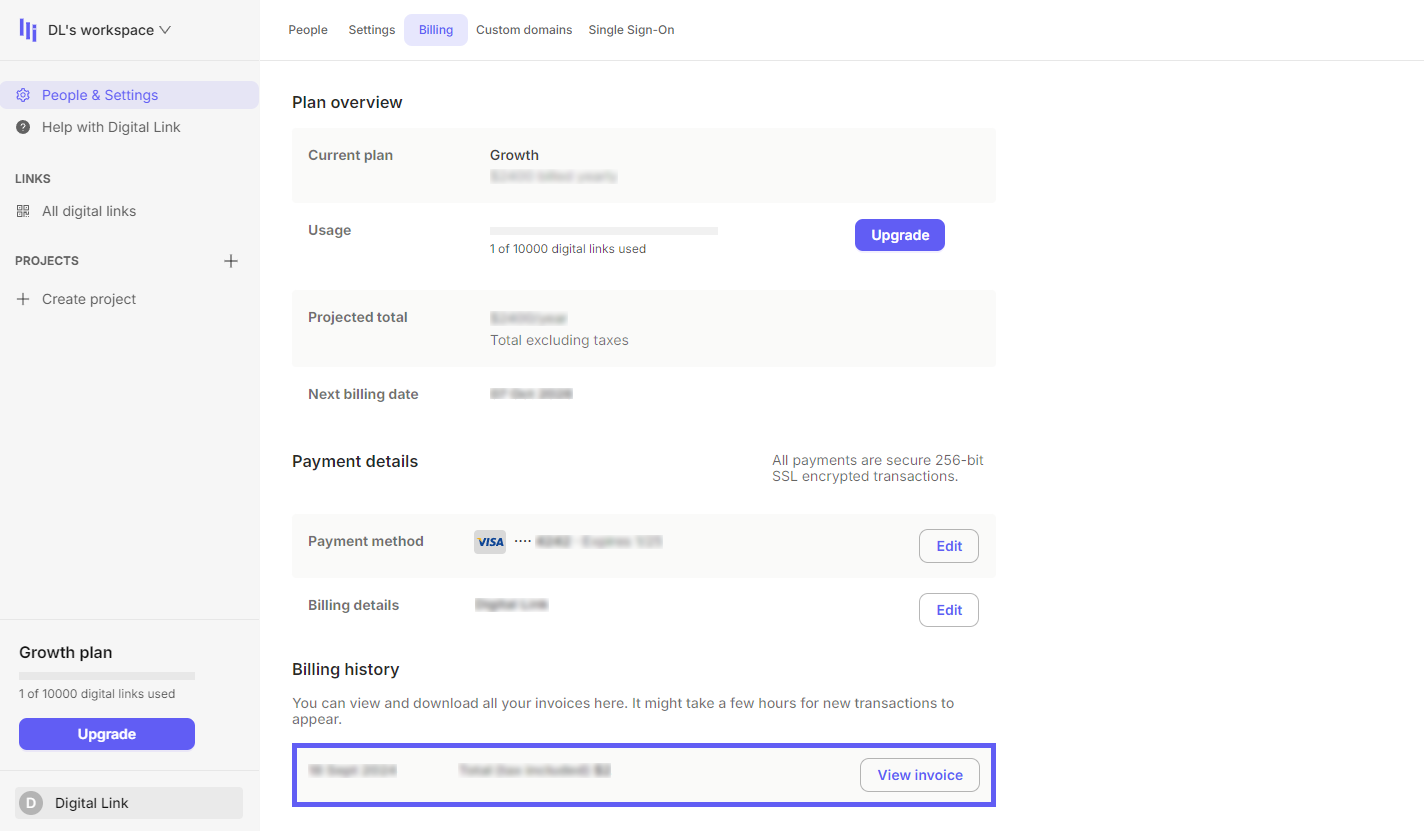
From your dashboard, click Settings in the sidebar, click Billing and click View invoice in the "Billing history" section.
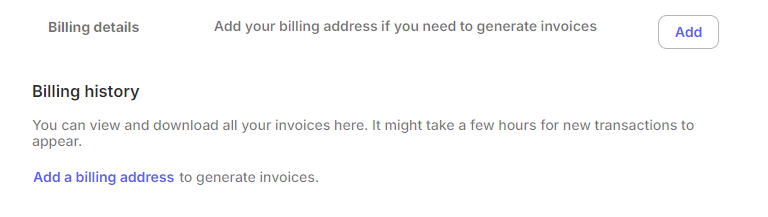
If you cannot see your invoices, click either Add a billing address in the "Billing history" section or Add in the "Billing details" section.